Plan the whole shoot from your phone.
Shot list, schedule, locations and crew in one place. ShotWalk puts each day in order for you, with travel times and the light worked out.
Free · just your phone number · works on iPhone

From shot list to shoot day.
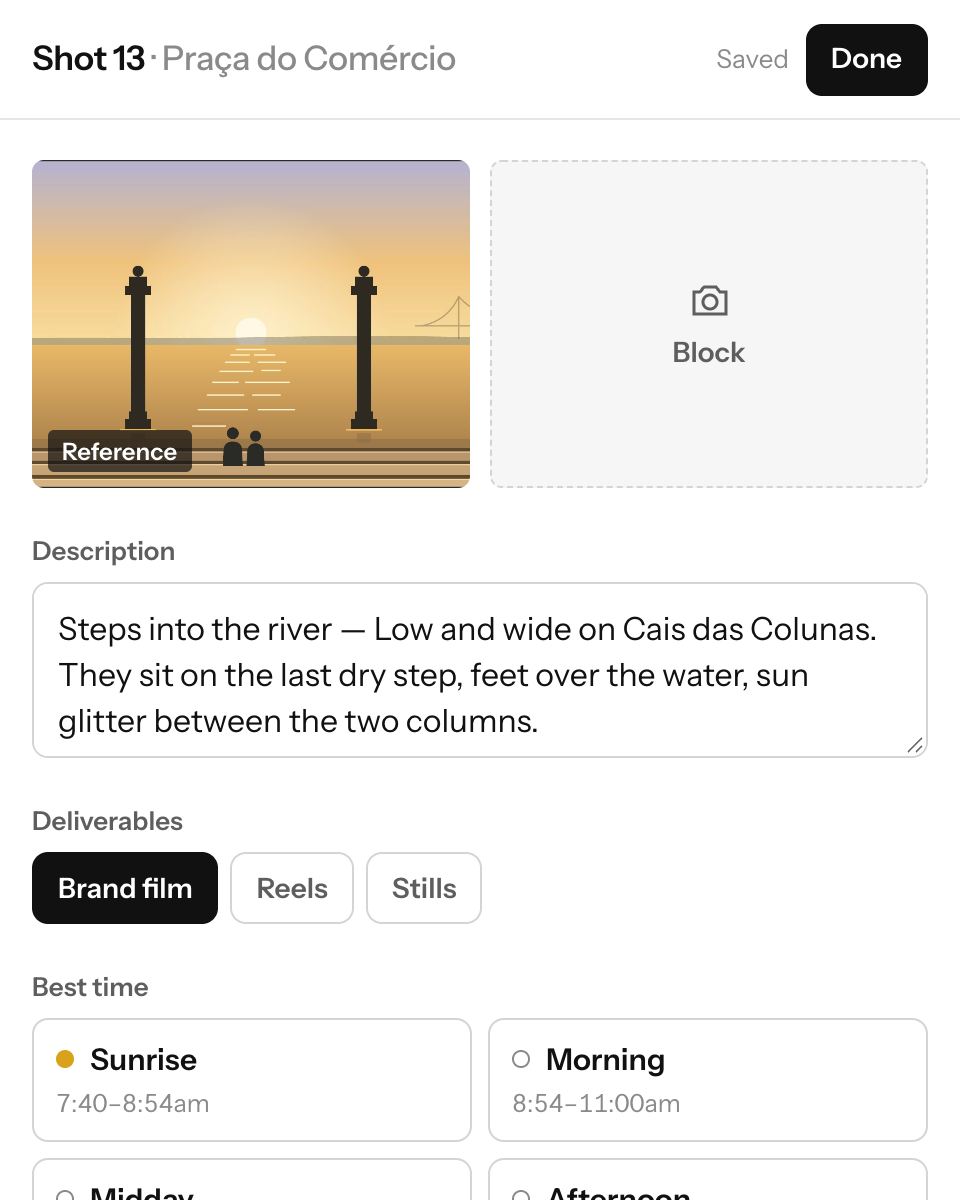
Write the shot list
Add each shot under its location, with a frame, cast, props, gear and the light it needs.
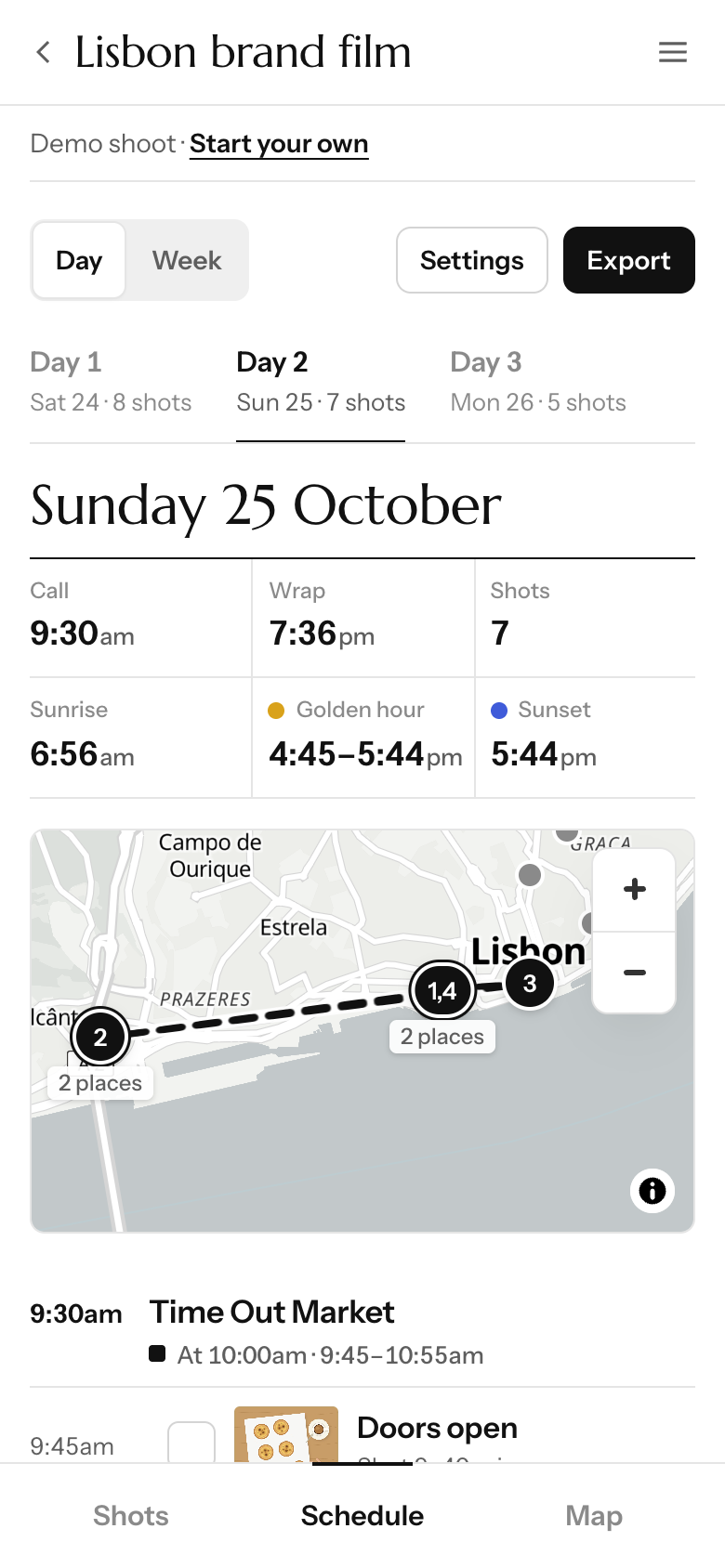
Get the schedule
ShotWalk puts every day in order, with the moves between locations and the breaks worked out.
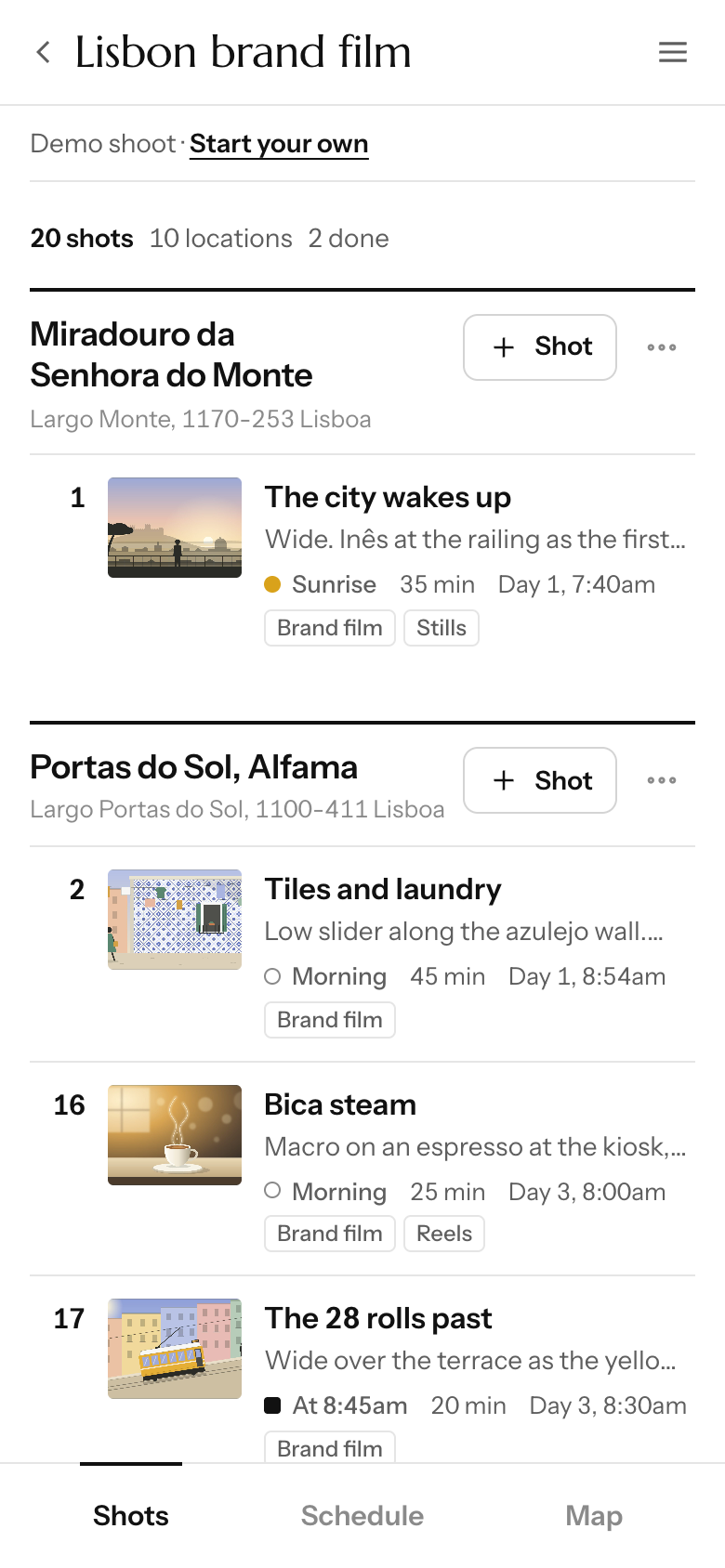
Share it with the crew
Send an edit or view-only link. Everyone sees the same plan, live, on their phone.


A map, the whole week, and a sheet for the producer.
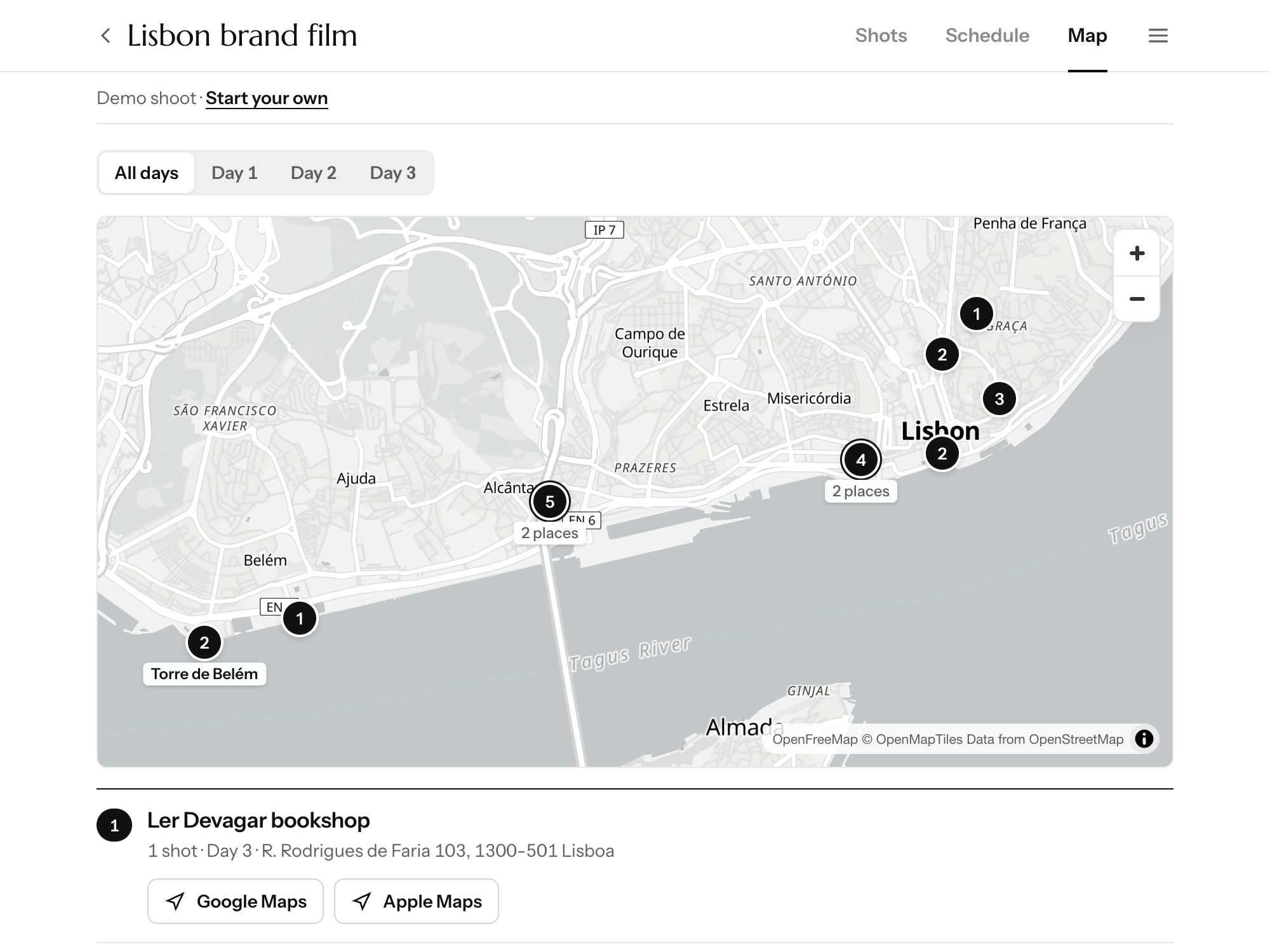
The route, on a real map
Stops in order, with walk and drive times and directions.
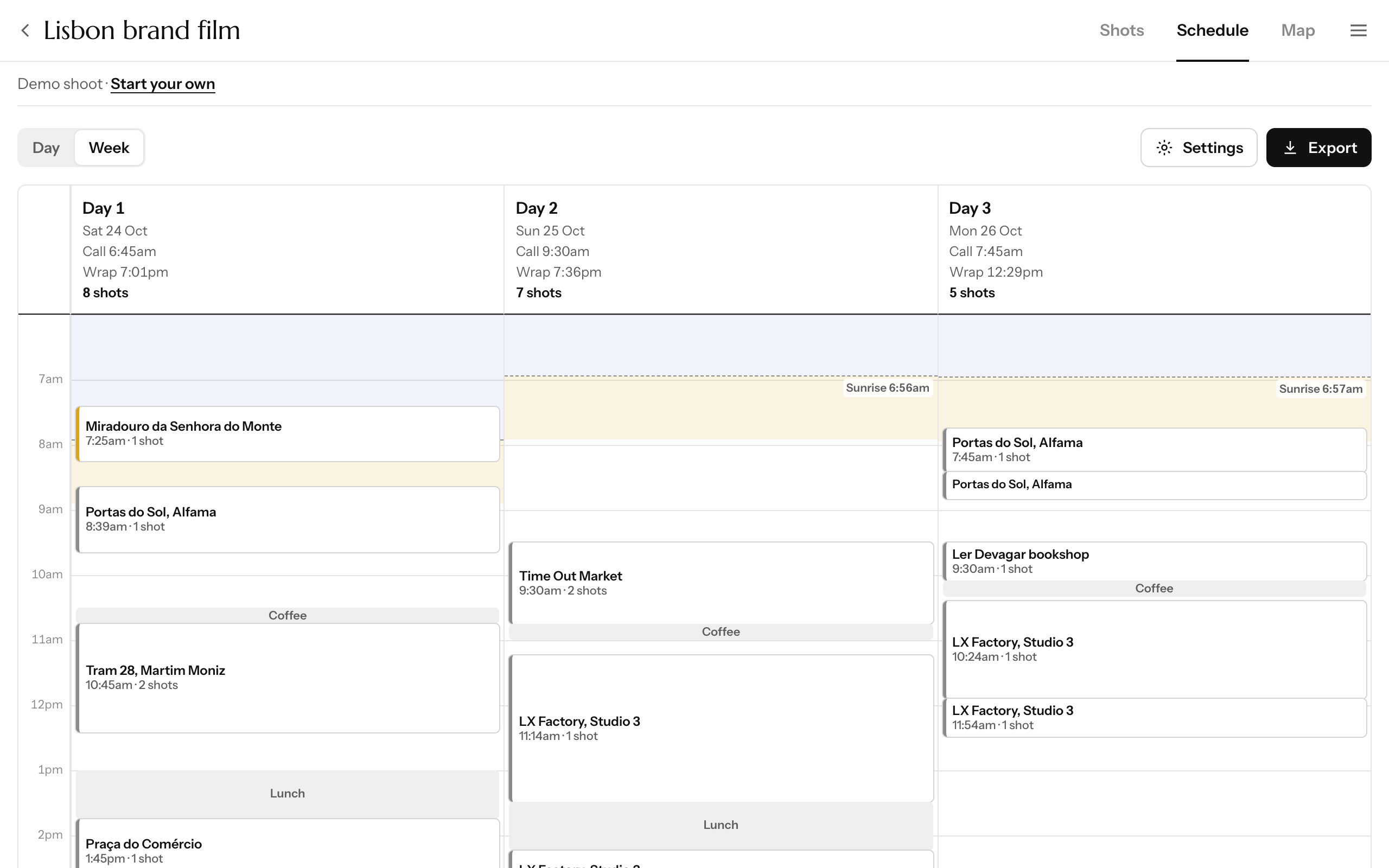
The whole shoot at a glance
Every day side by side, with golden hour and night shaded in.
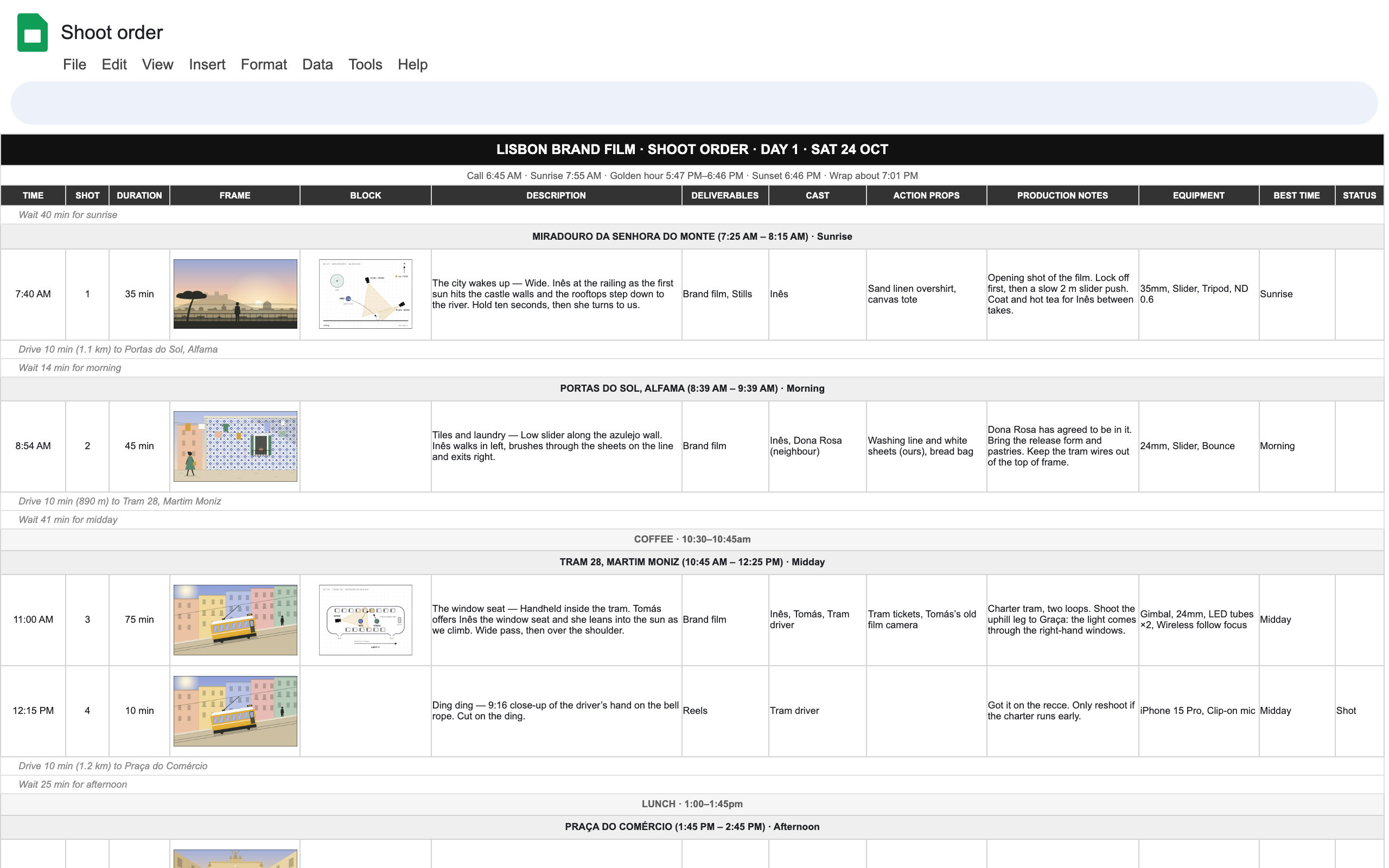
A sheet for the producer
Excel or Google Sheets, pictures included.


Questions
Anything else? Send us a message
Is ShotWalk free?
Yes. Plan, share and export as much as you like.
Why do you need my phone number?
It’s how you sign in: we text you a code instead of making you remember a password. We never share it, and your crew only sees part of it.
Does it work on iPhone, and can my crew follow along?
Yes. It runs in Safari and you can add it to your Home Screen. Send the crew a link and everyone sees changes live.
Can I export to Google Sheets or Excel?
Yes. Download an Excel file, or paste the schedule straight into Google Sheets. Pictures and formatting come along.